


看够了iTunes 10毫无血色的图标?其实想换回原来的图标也非常简单:
Windows
Windows更换图标时需要使用*.ICO类型的文件,在Windows XP中:
更换桌面上的iTunes快捷方式图标只需要右键单击iTune 10的快捷方式,依次选择属性->自定义->更换图标->在弹出窗口中选择图标*.ICO格式的文件后点击OK即可。
在Windows Vista和Windows 7中:
Right click on the desktop and select “Personalize”
Click on the “Change Desktop Icons” item on the left hand side of that window
Select your iTunes icon (this assumes it is on your desktop)
Click the “Change Icon” button
Select the icon your want to use in its place and press OK.
Mac
Mac可以观看Apple.com的帮助文档来更换程序或文件夹的图标,全过程如下:
Select the volume, application, folder, or file whose icon you want to stamp onto another, just click the icon to select it.
From the File menu, choose Get Info or press Command-I to open the Info window.
Click the icon in the upper-left corner of the Info window to select it.
From the Edit menu, choose Copy or press Command-C.
Select the volume, application, folder, or file whose icon you want to replace.
From the File menu, choose Get Info or press Command-I.
Click the icon in the upper-left corner.
From the Edit menu, choose Paste or press Command-V to replace the icon.
Note: Mac users want to use the *.icns file type for icons. You can also use third-party programs like the fantastic CandyBar if you want more control over your icons and organizing sets of icons.
 国产科幻游戏《解限机》公测爆火+新华社再次“点将”西山居
 PICO加码内容生态:全面开放平台机制,赋能每一位XR开发者
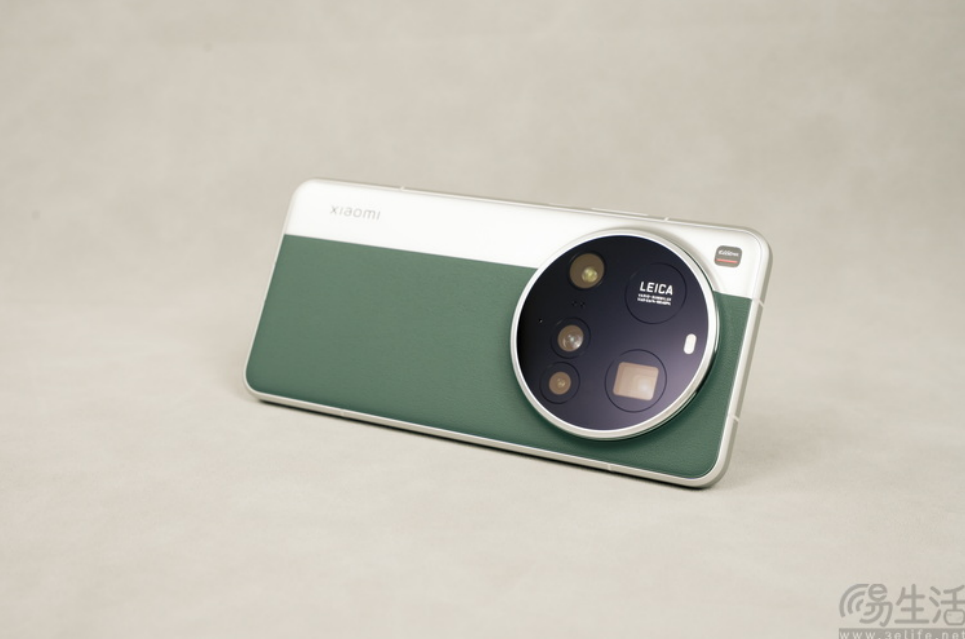 成功引领旗舰革命后,高通的底气明显更足了
 《数码宝贝:源码》预约已突破800万,这一次都不是被选剩的孩子!
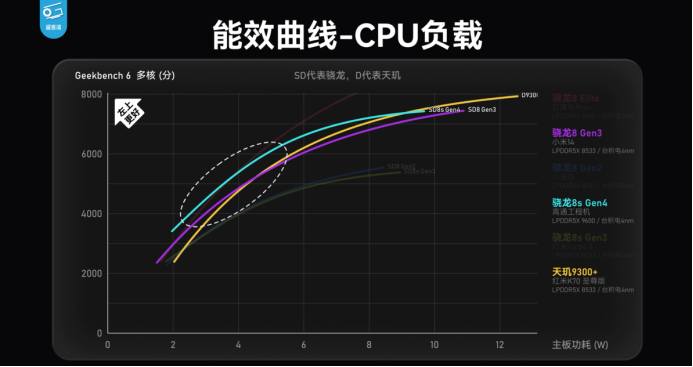 第四代骁龙8s工程机测试 跑分、游戏数据展现超强实力
 第四代骁龙8s正式发布,“新生代”旗舰有何真实力?
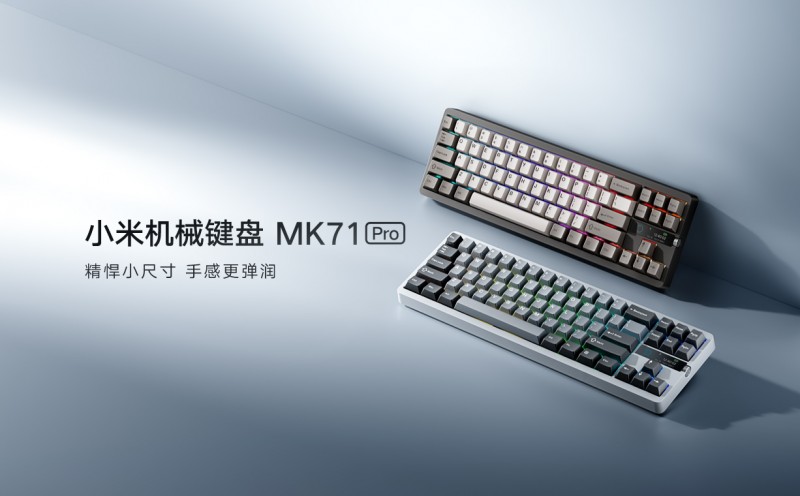 小米机械键盘MK71 Pro,用料领先,超值体验,为个性化需求而生!
 历经五年磨难,《数码宝贝:源码》找到了破局之路
